Loading...
⚡ #1 無料TikTokダウンローダー
TikTok動画をダウンロード
ウォーターマークなし
HD品質でTikTok動画を保存、音声抽出、ウォーターマークなしでダウンロード。完全無料、ログイン不要。
広告なしのクリーンなユーザーインターフェース
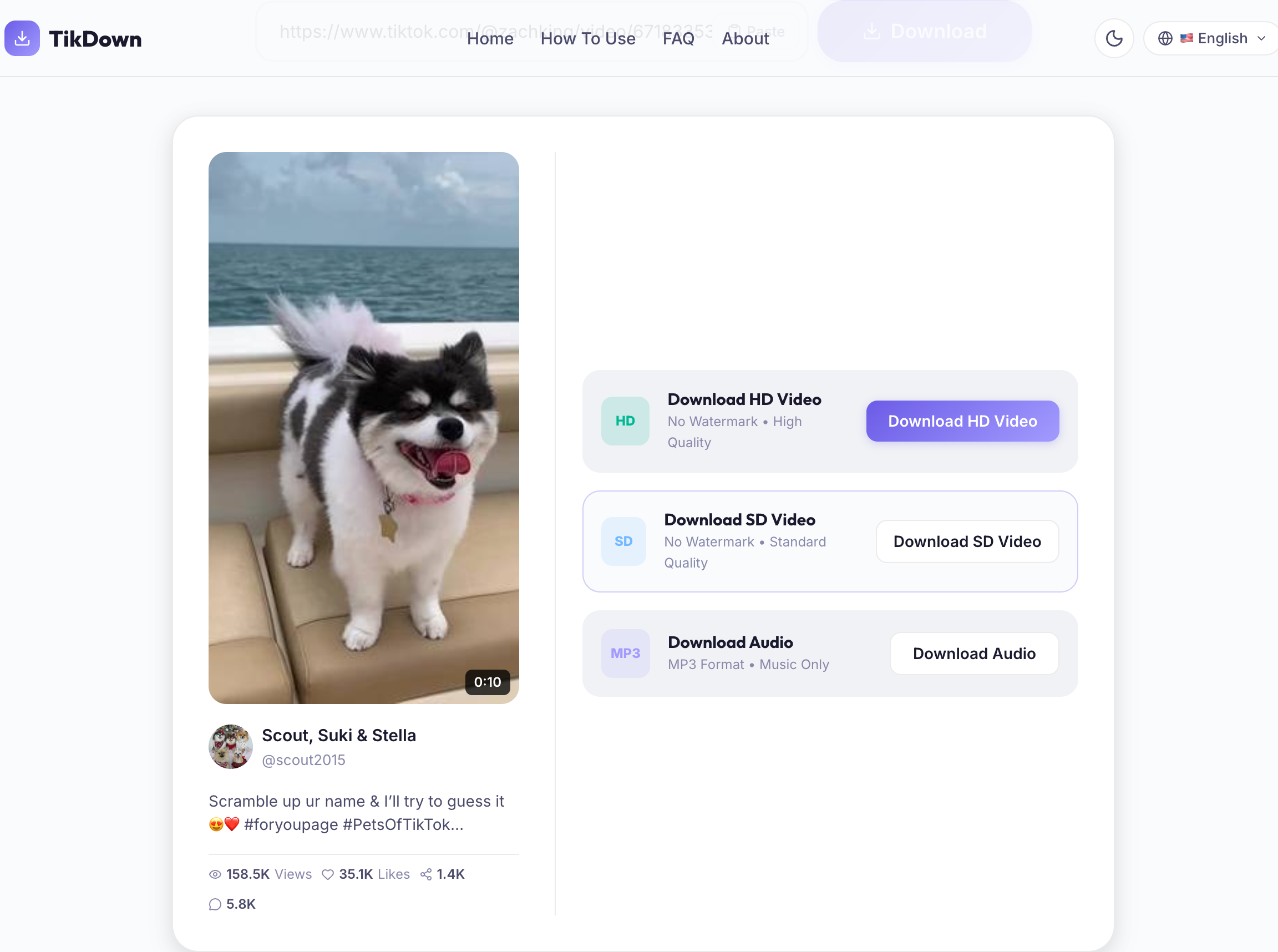
TikTok Downloaderでの動画ダウンロード結果がいかにクリーンで高速かをご覧ください。余計なもののない高速ダウンロード。
TikTok Downloaderについて
Everything you need to know about downloading TikTok videos without watermarks.
TikTok Downloaderとは何ですか?
TikTok Downloader is a state-of-the-art online tool designed to help you download TikTok videos without watermark in high-definition (HD) quality. We provide a clean, ad-free user interface that resolves TikTok CDN video links and downloads them directly to your local storage. Whether you want to save a tutorial, a funny sketch, or a musical track, TikTok Downloader makes it simple, fast, and completely anonymous.
Unlike other tools that force you to download browser extensions or apps, TikTok Downloader is a 100% web-based service. It is optimized to run smoothly across all major browsers including Chrome, Safari, Firefox, Edge, and Opera, on Windows, macOS, Android, and iOS.
Why Remove the TikTok Watermark?
Removing the TikTok watermark is essential for content creators, social media managers, and marketers who want to cross-promote videos on other platforms like Instagram Reels, YouTube Shorts, or Pinterest. A clean, watermark-free video ensures higher audience engagement and avoids algorithm deprioritization on other networks.
Core Benefits of Using TikTok Downloader:
- Clean downloads with zero watermarks or overlay logos.
- High-speed servers that fetch SD and HD video versions in seconds.
- Completely free with no download limits or hidden subscriptions.
- Direct file downloads to keep your workflow fast and uninterrupted.
- Anonymous processing to protect your privacy and data security.
選ばれる理由
必要なすべてを備えた最強のTikTokダウンローダー
ウォーターマークなし
TikTokロゴなしのクリーンな動画をダウンロード
HD品質
1080pまでの最高解像度で動画を保存
超高速
サーバーが数秒でリクエストを処理
全デバイス対応
iPhone、Android、PC、Mac、タブレットで動作
100%無料
隠れた料金なし、サブスクリプションなし、永久に無料
安全・安心
データや動画を保存しません。プライバシーは保護されています
音声抽出
TikTok動画からBGMをMP3として抽出
ログイン不要
アカウント作成なしですぐにダウンロード開始
Pros & Cons
A balanced look at why our tool stands out, along with its limitations
Pros / Benefits
- 100% Free — No hidden fees, limits, or subscriptions
- No Watermark — Get clean, watermark-free videos in HD
- MP4 & MP3 — Save video or extract background music directly
- No Registration — Use instantly without creating an account
- Cross-Platform — Works on PC, Mac, iOS, and Android
Cons / Limitations
- Public Videos Only — Cannot access private or deleted videos
- Single Downloads — Supports downloading one file at a time
- Direct URLs Only — No profile scraping or playlist downloads
Downloader Comparison Table
Compare TikTok Downloader features against the official app and standard screen recording methods.
| Feature | TikTok Downloader Downloader | TikTok Official App | Screen Recording |
|---|---|---|---|
| No Watermark / Logo | Yes | Watermarked | Watermarked |
| High Definition HD Quality | Yes | Limited | No |
| Extract MP3 Audio Track | Yes | Limited | No |
| No Account / Login Required | Yes | Yes | Yes |
| Instant Server Processing | Yes | Yes | Slow |
| No App Installation Needed | Yes | No | Yes |
使い方
3つの簡単なステップでTikTok動画をダウンロード
リンクをコピー
TikTokを開き、動画を見つけ、シェアをタップしてリンクをコピー
貼り付けてダウンロード
上の入力欄にリンクを貼り付けてダウンロードをクリック
ファイルを保存
お好みのフォーマットを選択してファイルをデバイスに保存
Download on Any Device
Step-by-step instructions for all platforms
1
Open TikTok in your browser and copy the video URL from the address bar.
2
Paste the copied URL into the search box above.
3
Click Download and choose your format. The file will be saved in your default Downloads folder.
Frequently Asked Questions
Find answers to the most common questions about TikTok Downloader TikTok video downloader.
Yes, TikTok Downloader is 100% free to use. There are no hidden charges, subscriptions, or premium tiers. You can download unlimited videos without paying a single cent.
Absolutely! TikTok Downloader specifically removes the watermark, giving you clean, professional-looking videos ready to share or repurpose.
Yes! TikTok Downloader works on iPhone, iPad, and Android devices. Simply open your browser (Safari, Chrome, etc.), paste the link, and save the video.
Yes, our service is completely safe. We don't require your TikTok login details, we don't store your personal data, and we don't save any downloaded files on our servers.
Yes, along with video downloads, we support high-quality MP3 audio extraction. You can save just the background music or sound track.
We offer both HD (High Definition, usually 1080p or 720p depending on original upload) and SD (Standard Definition) options.
No, you don't need to install anything. TikTok Downloader is a web-based tool that runs directly in any modern web browser.
No, we respect creators' privacy. TikTok Downloader can only download videos that are set to public and are currently active on TikTok.
Open the TikTok app or website, find the video, click the 'Share' button, and select 'Copy Link'.
No, there are no limits. You can download as many videos and MP3 tracks as you want, completely free.
Yes! If the link points to a photo slideshow, TikTok Downloader will resolve it and allow you to download the individual images.
No. Downloads are completely anonymous. The creator will not receive any notification that you saved their video.
Videos are saved in your device's default downloads folder (e.g., 'Downloads' on PC/Mac, or the files app on iOS/Android).
No, a TikTok account is not required. You just need the video URL to process and download it.
Yes, TikTok Downloader is fully compatible with Windows, macOS, Linux, and ChromeOS desktops. Just copy and paste the link.
Downloads are intended for personal use. If you want to use a video commercially, please respect copyright laws and seek permission from the creator.
We've optimized our backend to stream the files directly as attachments, forcing a direct download popup and preventing the video from playing in a browser tab.
Ensure the link is valid and public, check your internet connection, refresh the page, and try pasting the link again.
No, live streams cannot be downloaded in real-time. You can only download them once the stream has ended and has been posted as a standard video.
Simply choose the 'Download HD Video' option after pasting your link. If the source video is uploaded in HD, it will save in high definition.